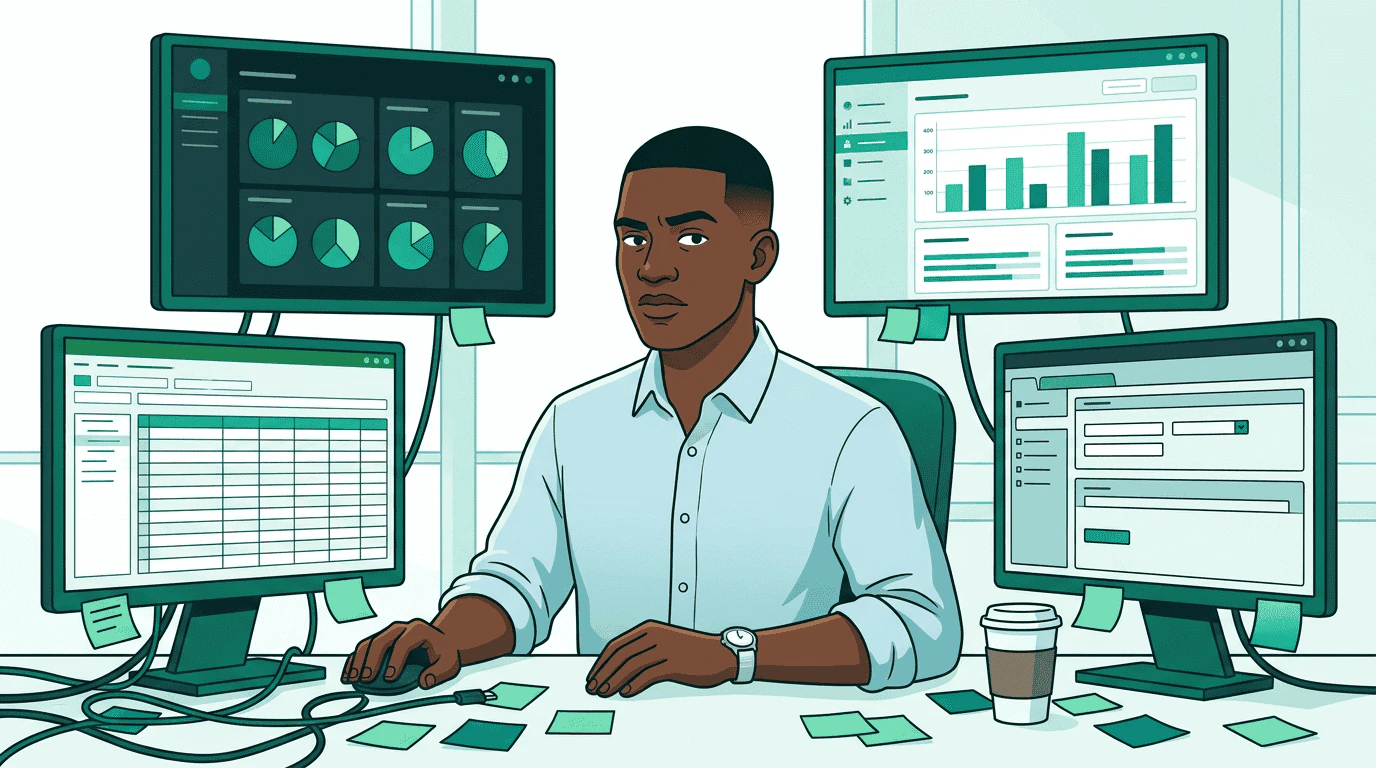
A media buyer sits at a desk surrounded by four different platform dashboards, each showing different data formats and interfaces Sam is a media buyer at Pinnacle Agency. His client just greenlit a $50,000 Q2 campaign for Acme Outdoor’s Trail Pro 3000 — premium video and display across sports and outdoor lifestyle publishers. Three sellers to evaluate. Creatives to match. A governance review before anything goes live. Last time he ran a campaign this size, it took two weeks. Four dashboards. Four logins. A spreadsheet to compare proposals that were never in the same format. He entered the same flight dates into four different systems. This walkthrough follows Sam through the same campaign on AdCP — one protocol that replaces four platform-specific workflows.

Step 1: Write the brief

Sam starts with what he knows: the campaign objectives. Sam's brief glows on screen and radiates outward as clean teal rays to three seller agent robots, each standing at their own podium examining the incoming request In AdCP, the brief is natural language inside get_products. Sam doesn’t need to learn each publisher’s targeting taxonomy or inventory categories — he describes what he wants, and each sales agent interprets it against their own inventory:

One brief. Three sellers. Same JSON structure back.

Step 2: Compare proposals

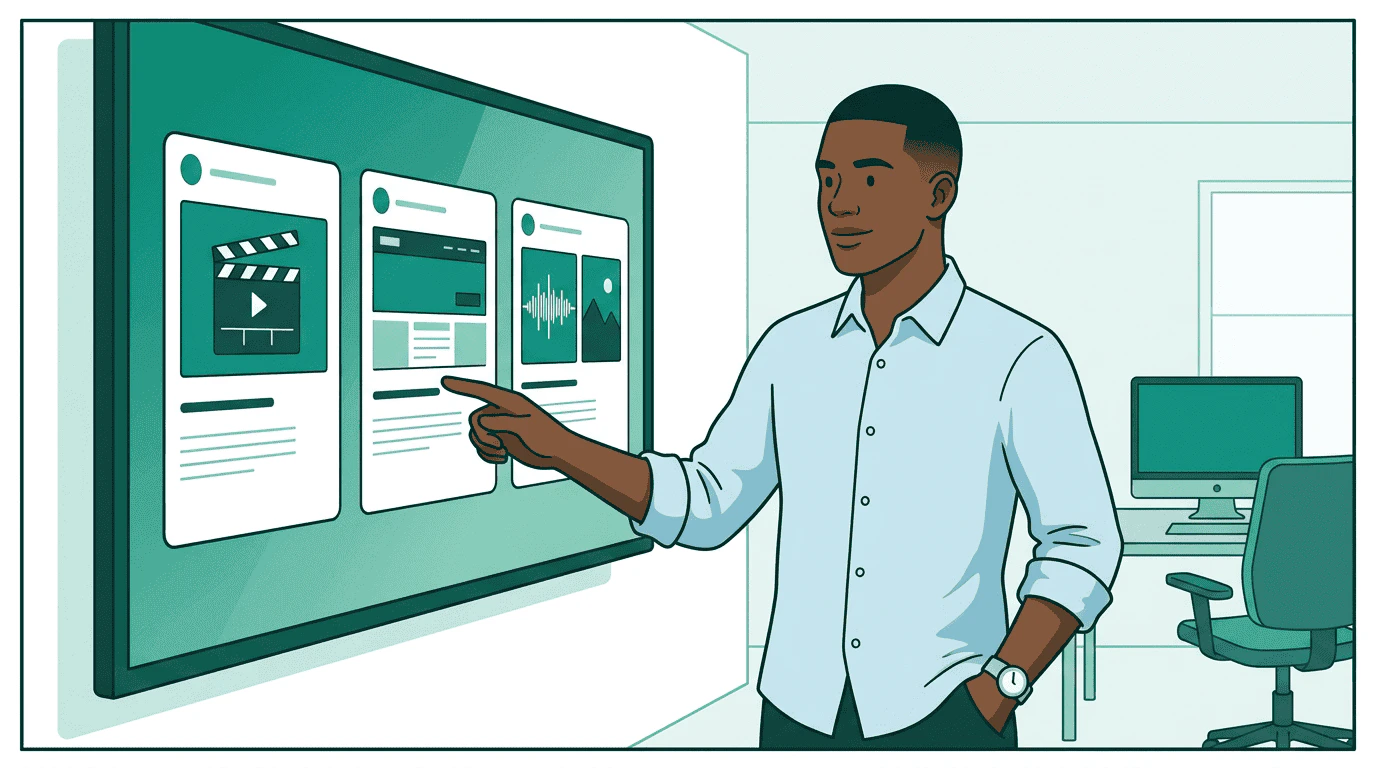
Three seller robots present their offerings — a video slate, a display banner, and a podcast waveform — while Sam reviews them side by side on a single clean screen, looking pleased Products come back in a standard format. For the first time, Sam sees pricing, delivery forecasts, targeting options, and creative requirements — all side by side: No CSVs. No spreadsheets. No manual data entry. The products are comparable because every seller returns the same schema. Sam wants to narrow down. He switches to refine mode, telling each agent exactly how to adjust:
The refine array lets Sam layer constraints without starting over. Each refinement narrows the previous result set.

Step 3: Match creatives
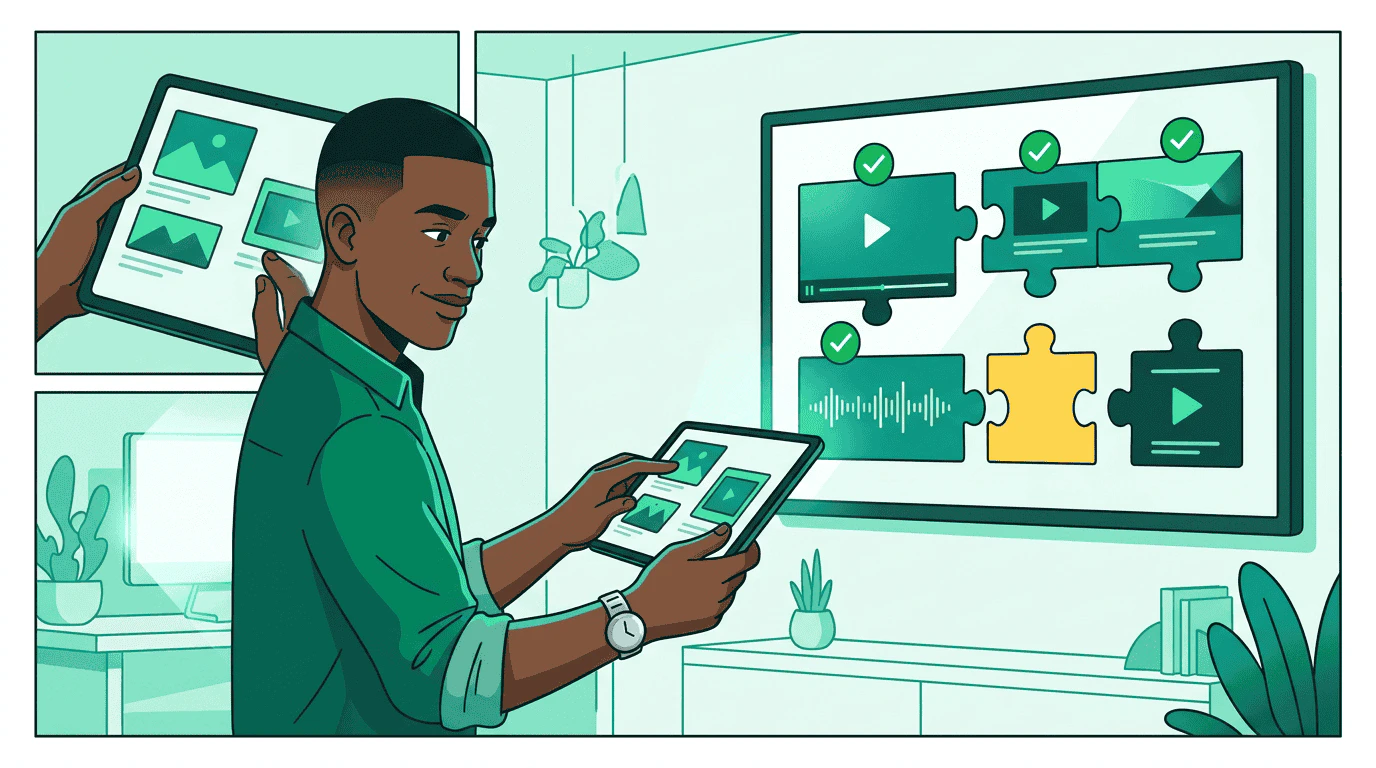
Creative format templates — a 16:9 video frame, a 300x250 banner, and an audio waveform with companion — snap together with actual ad assets like puzzle pieces, assisted by a small robot Each product has creative requirements. Sam’s platform calls list_creative_formats on each seller to understand exactly what they need:
  • StreamHaus needs SSAI-compatible 30s video (MP4, specific codecs)
  • OutdoorNet needs display banners (300x250 and 728x90)
  • PodTrail needs 30s audio plus a 300x250 companion banner
Sam’s creative team already has assets in their library. The platform matches existing manifests to each seller’s format requirements and flags the gap — PodTrail needs an audio cut that doesn’t exist yet.

Step 4: Launch the campaign

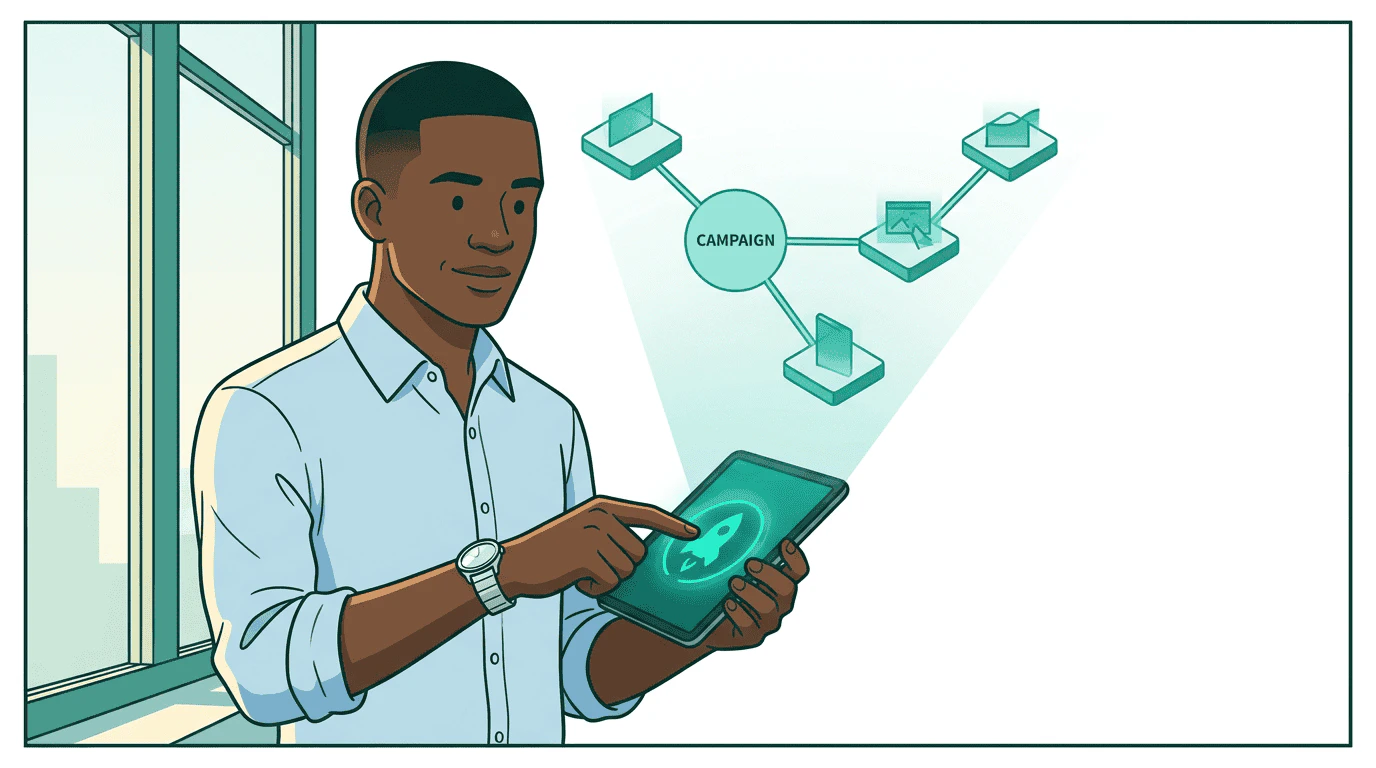
Sam presses a glowing launch button and a holographic campaign blueprint materializes above his desk, showing three branches — CTV, display, and audio — with budget amounts flowing along each branch Sam creates the media buy. One call per seller, same structure everywhere:
The seller validates the creatives and either approves the buy or sends it through review. Sam doesn’t log into any dashboard — the protocol handles status updates.

Step 5: Governance checks

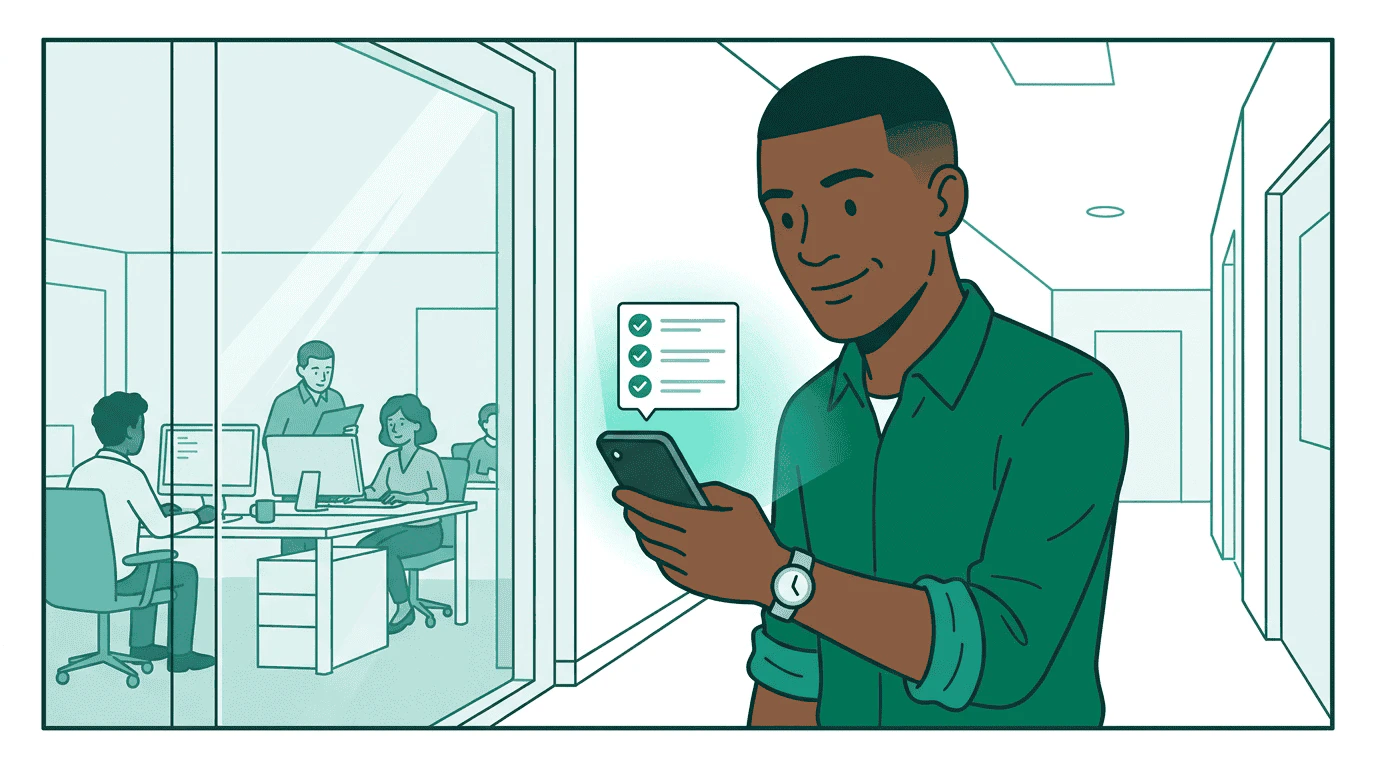
The campaign blueprint passes through a security checkpoint staffed by a governance robot who scans each branch, stamping three green checkmarks for budget, brand safety, and targeting compliance Before any money moves, Sam’s governance agent validates the buy:
  • Budget: $25K is within Sam’s authorized spending limit
  • Brand safety: StreamHaus is on Acme Outdoor’s approved publisher list
  • Compliance: Targeting parameters meet regulatory requirements for US and Canada
  • Creative: All creatives carry required provenance metadata
If the buy exceeds Sam’s authority — say, if the total across all sellers hit $75K — the governance agent escalates to his manager. The campaign pauses at pending_approval until a human signs off.

Step 6: Monitor delivery

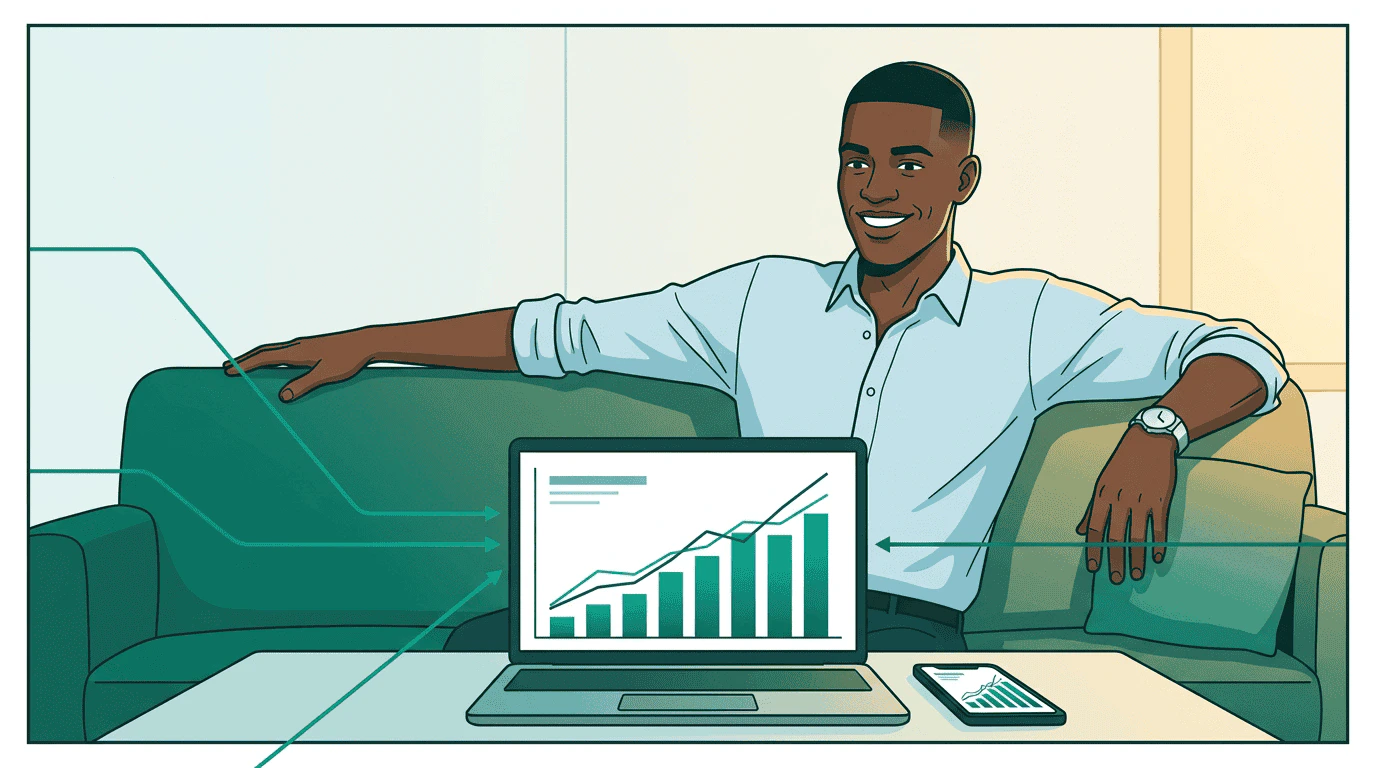
Sam leans back at his desk, relaxed, with a single clean dashboard showing unified performance charts from all three sellers — bar charts rising, line graphs converging, all in teal The campaign is running. Sam monitors through a single view — his platform calls get_media_buy_delivery on each seller and merges the results:
Every seller reports in the same format: impressions, clicks, spend, completion rates. Sam sees one dashboard instead of four. When StreamHaus underdelivers on the CTV package, he reallocates budget to OutdoorNet — one update_media_buy call instead of logging into two platforms.

The full picture
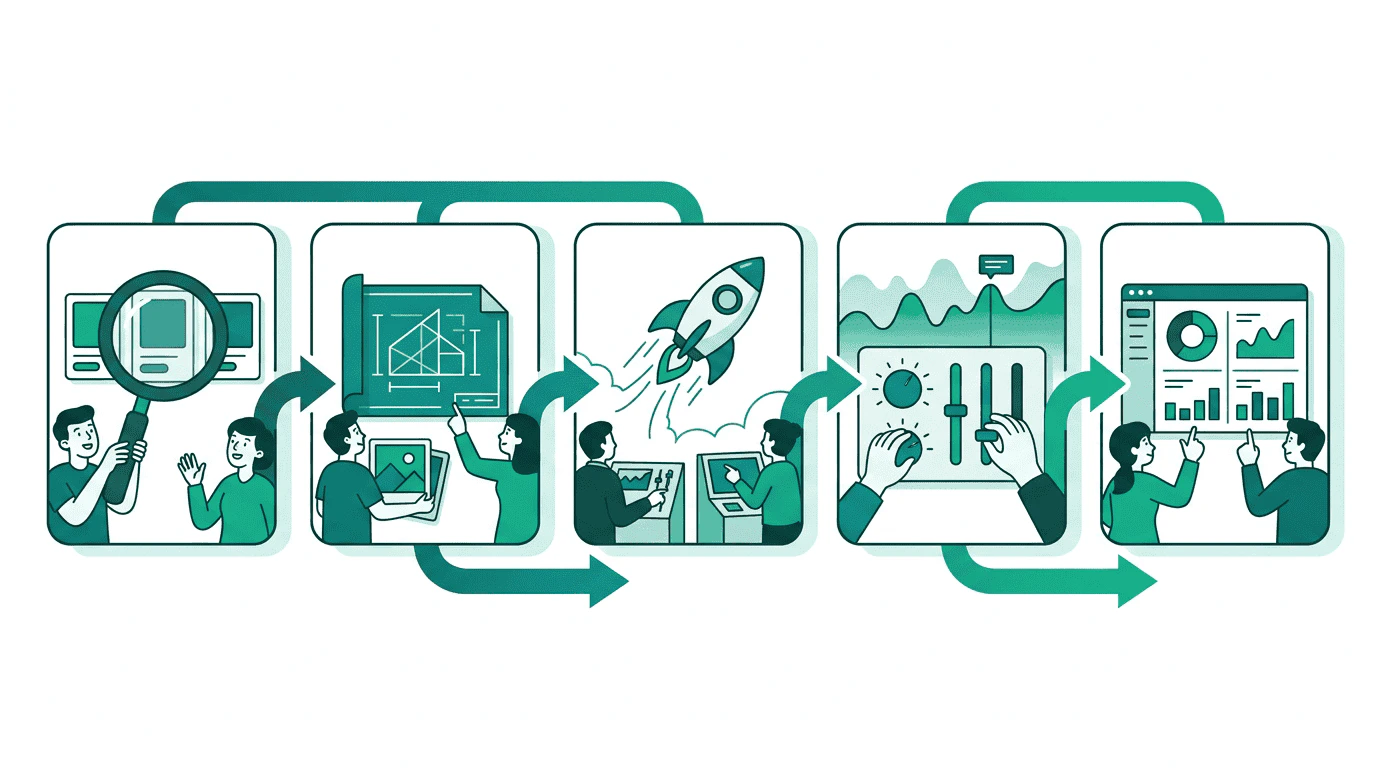
A horizontal pipeline showing the five stages of a media buy: Discovery (magnifying glass), Planning (blueprint), Execution (rocket launch), Optimization (adjusting dials), and Reporting (clean dashboard) Sam went from four dashboards to one protocol. The same tasks that bought CTV inventory also bought display and audio — no platform-specific code, no manual data translation, no spreadsheet reconciliation.

Go deeper