> ## Documentation Index
> Fetch the complete documentation index at: https://docs.adcontextprotocol.org/llms.txt
> Use this file to discover all available pages before exploring further.
# Media buy protocol
> AdCP media buy protocol walkthrough — follow a campaign from brief to delivery across CTV, display, and audio using one unified workflow.
 Sam is a media buyer at Pinnacle Agency. His client just greenlit a \$50,000 Q2 campaign for Acme Outdoor's Trail Pro 3000 — premium video and display across sports and outdoor lifestyle publishers. Three sellers to evaluate. Creatives to match. A governance review before anything goes live.
Last time he ran a campaign this size, it took two weeks. Four dashboards. Four logins. A spreadsheet to compare proposals that were never in the same format. He entered the same flight dates into four different systems.
This walkthrough follows Sam through the same campaign on AdCP — one protocol that replaces four platform-specific workflows.
## Step 1: Write the brief
Sam starts with what he knows: the campaign objectives.
Sam is a media buyer at Pinnacle Agency. His client just greenlit a \$50,000 Q2 campaign for Acme Outdoor's Trail Pro 3000 — premium video and display across sports and outdoor lifestyle publishers. Three sellers to evaluate. Creatives to match. A governance review before anything goes live.
Last time he ran a campaign this size, it took two weeks. Four dashboards. Four logins. A spreadsheet to compare proposals that were never in the same format. He entered the same flight dates into four different systems.
This walkthrough follows Sam through the same campaign on AdCP — one protocol that replaces four platform-specific workflows.
## Step 1: Write the brief
Sam starts with what he knows: the campaign objectives.
 In AdCP, the brief is natural language inside `get_products`. Sam doesn't need to learn each publisher's targeting taxonomy or inventory categories — he describes what he wants, and each sales agent interprets it against their own inventory:
```javascript theme={null}
const products = await Promise.all(
sellers.map(seller => seller.getProducts({
buying_mode: "brief",
brief: "Premium video inventory on sports and outdoor lifestyle publishers. Q2 flight, $50K budget. Adults 25-54, US and Canada.",
brand: { domain: "acmeoutdoor.com" },
account: { brand: { domain: "acmeoutdoor.com" }, operator: "pinnacle-agency.com" }
}))
);
```
One brief. Three sellers. Same JSON structure back.
| What Sam says | What the protocol calls it |
| --------------------- | ------------------------------------------------------ |
| Campaign brief | `brief` field on `get_products` |
| Media plan | Products returned from `get_products` |
| IO / insertion order | `create_media_buy` |
| Trafficking creatives | `sync_creatives` to each seller |
| Campaign report | `get_media_buy_delivery` across agents |
| Flight dates | `start_time` / `end_time` on the media buy or packages |
## Step 2: Compare proposals
In AdCP, the brief is natural language inside `get_products`. Sam doesn't need to learn each publisher's targeting taxonomy or inventory categories — he describes what he wants, and each sales agent interprets it against their own inventory:
```javascript theme={null}
const products = await Promise.all(
sellers.map(seller => seller.getProducts({
buying_mode: "brief",
brief: "Premium video inventory on sports and outdoor lifestyle publishers. Q2 flight, $50K budget. Adults 25-54, US and Canada.",
brand: { domain: "acmeoutdoor.com" },
account: { brand: { domain: "acmeoutdoor.com" }, operator: "pinnacle-agency.com" }
}))
);
```
One brief. Three sellers. Same JSON structure back.
| What Sam says | What the protocol calls it |
| --------------------- | ------------------------------------------------------ |
| Campaign brief | `brief` field on `get_products` |
| Media plan | Products returned from `get_products` |
| IO / insertion order | `create_media_buy` |
| Trafficking creatives | `sync_creatives` to each seller |
| Campaign report | `get_media_buy_delivery` across agents |
| Flight dates | `start_time` / `end_time` on the media buy or packages |
## Step 2: Compare proposals
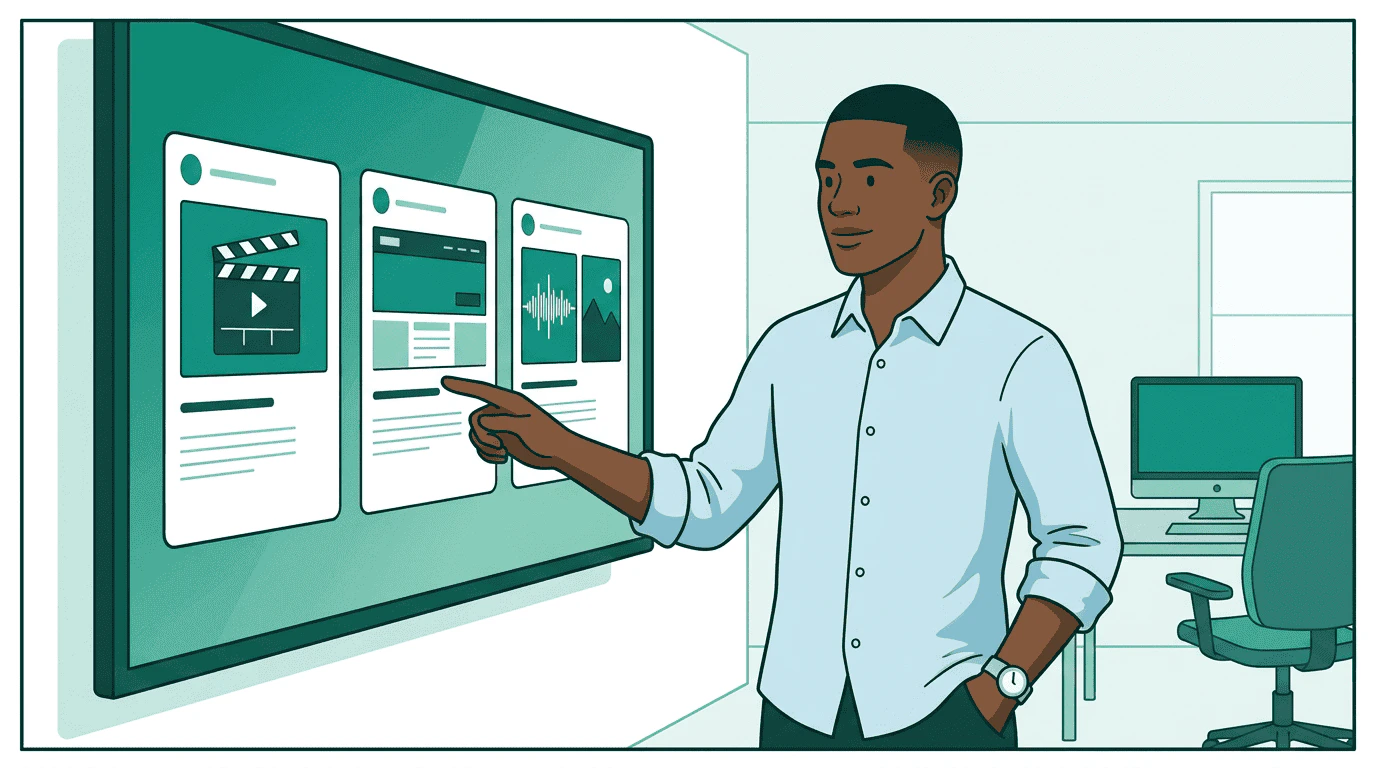 Products come back in a standard format. For the first time, Sam sees pricing, delivery forecasts, targeting options, and creative requirements — all side by side:
| Seller | Product | CPM | Forecast | Format |
| ---------- | --------------------------- | ---- | ---------------- | --------------------- |
| StreamHaus | CTV sports pre-roll | \$28 | 890K impressions | SSAI 30s video |
| OutdoorNet | Adventure lifestyle display | \$12 | 2.1M impressions | 300x250, 728x90 |
| PodTrail | Outdoor podcast mid-roll | \$22 | 340K impressions | Audio 30s + companion |
No CSVs. No spreadsheets. No manual data entry. The products are comparable because every seller returns the same schema.
Sam wants to narrow down. He switches to `refine` mode, telling each agent exactly how to adjust:
```javascript theme={null}
const refined = await seller.getProducts({
buying_mode: "refine",
refine: [
{
scope: "request",
ask: "Only guaranteed packages. Must include completion rate SLA above 80%."
}
],
brand: { domain: "acmeoutdoor.com" },
account: { brand: { domain: "acmeoutdoor.com" }, operator: "pinnacle-agency.com" }
});
```
The `refine` array lets Sam layer constraints without starting over. Each refinement narrows the previous result set.
## Step 3: Match creatives
Products come back in a standard format. For the first time, Sam sees pricing, delivery forecasts, targeting options, and creative requirements — all side by side:
| Seller | Product | CPM | Forecast | Format |
| ---------- | --------------------------- | ---- | ---------------- | --------------------- |
| StreamHaus | CTV sports pre-roll | \$28 | 890K impressions | SSAI 30s video |
| OutdoorNet | Adventure lifestyle display | \$12 | 2.1M impressions | 300x250, 728x90 |
| PodTrail | Outdoor podcast mid-roll | \$22 | 340K impressions | Audio 30s + companion |
No CSVs. No spreadsheets. No manual data entry. The products are comparable because every seller returns the same schema.
Sam wants to narrow down. He switches to `refine` mode, telling each agent exactly how to adjust:
```javascript theme={null}
const refined = await seller.getProducts({
buying_mode: "refine",
refine: [
{
scope: "request",
ask: "Only guaranteed packages. Must include completion rate SLA above 80%."
}
],
brand: { domain: "acmeoutdoor.com" },
account: { brand: { domain: "acmeoutdoor.com" }, operator: "pinnacle-agency.com" }
});
```
The `refine` array lets Sam layer constraints without starting over. Each refinement narrows the previous result set.
## Step 3: Match creatives
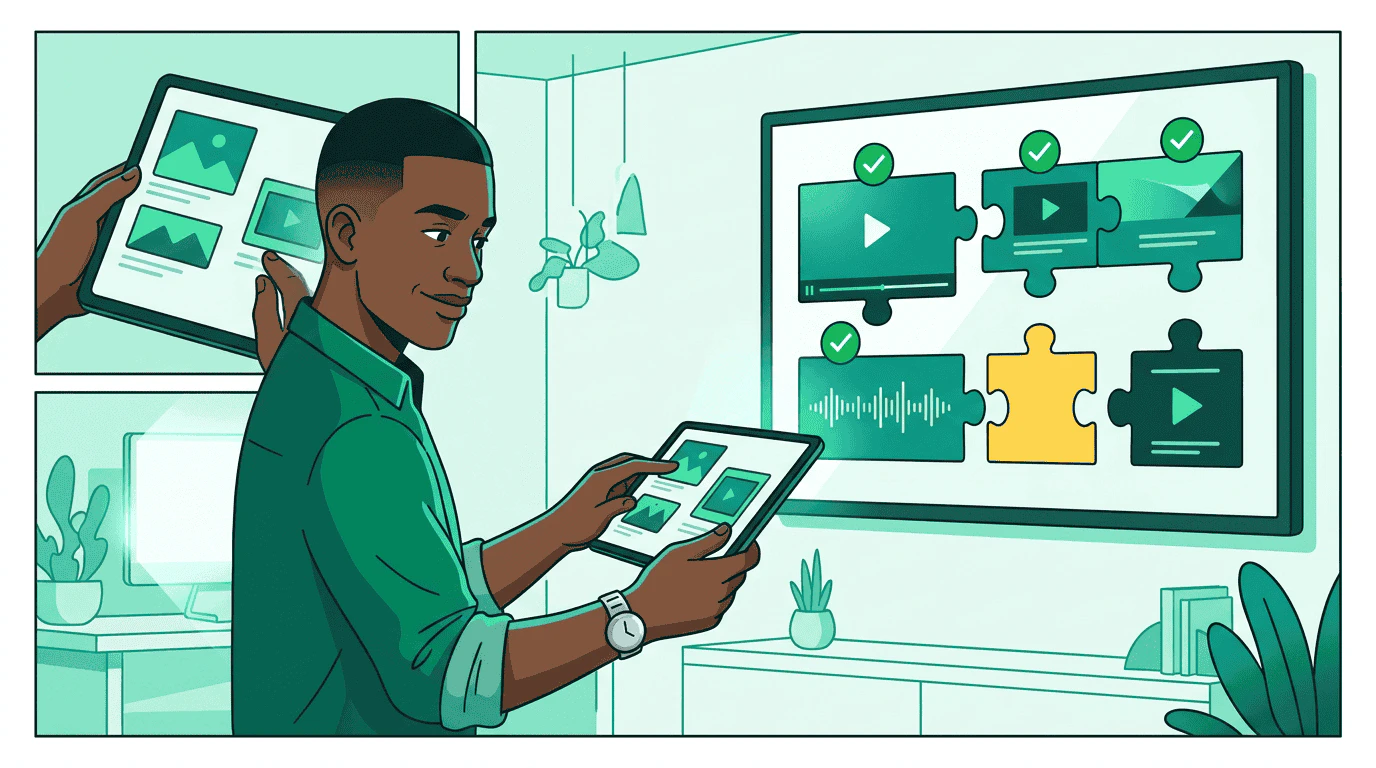 Each product has creative requirements. Sam's platform calls `list_creative_formats` on each seller to understand exactly what they need:
* **StreamHaus** needs SSAI-compatible 30s video (MP4, specific codecs)
* **OutdoorNet** needs display banners (300x250 and 728x90)
* **PodTrail** needs 30s audio plus a 300x250 companion banner
Sam's creative team already has assets in their library. The platform matches existing manifests to each seller's format requirements and flags the gap — PodTrail needs an audio cut that doesn't exist yet.
```javascript theme={null}
const result = await seller.syncCreatives({
account: { brand: { domain: "acmeoutdoor.com" }, operator: "pinnacle-agency.com" },
creatives: [
{
creative_id: "video_30s_trail_pro",
name: "Trail Pro 3000 - 30s CTV Spot",
format_id: { agent_url: "https://streamhaus.example", id: "ssai_30s" },
assets: { video: { url: "https://cdn.pinnacle-agency.example/trail-pro-30s.mp4", mime_type: "video/mp4" } }
},
{
creative_id: "display_trail_pro_300x250",
name: "Trail Pro 3000 - Display 300x250",
format_id: { agent_url: "https://outdoornet.example", id: "display_300x250" },
assets: { image: { url: "https://cdn.pinnacle-agency.example/trail-pro-300x250.png", mime_type: "image/png" } }
}
]
});
if (result.errors) {
console.error('Sync failed:', result.errors);
} else {
console.log(`Synced ${result.creatives.length} creatives`);
}
```
## Step 4: Launch the campaign
Each product has creative requirements. Sam's platform calls `list_creative_formats` on each seller to understand exactly what they need:
* **StreamHaus** needs SSAI-compatible 30s video (MP4, specific codecs)
* **OutdoorNet** needs display banners (300x250 and 728x90)
* **PodTrail** needs 30s audio plus a 300x250 companion banner
Sam's creative team already has assets in their library. The platform matches existing manifests to each seller's format requirements and flags the gap — PodTrail needs an audio cut that doesn't exist yet.
```javascript theme={null}
const result = await seller.syncCreatives({
account: { brand: { domain: "acmeoutdoor.com" }, operator: "pinnacle-agency.com" },
creatives: [
{
creative_id: "video_30s_trail_pro",
name: "Trail Pro 3000 - 30s CTV Spot",
format_id: { agent_url: "https://streamhaus.example", id: "ssai_30s" },
assets: { video: { url: "https://cdn.pinnacle-agency.example/trail-pro-30s.mp4", mime_type: "video/mp4" } }
},
{
creative_id: "display_trail_pro_300x250",
name: "Trail Pro 3000 - Display 300x250",
format_id: { agent_url: "https://outdoornet.example", id: "display_300x250" },
assets: { image: { url: "https://cdn.pinnacle-agency.example/trail-pro-300x250.png", mime_type: "image/png" } }
}
]
});
if (result.errors) {
console.error('Sync failed:', result.errors);
} else {
console.log(`Synced ${result.creatives.length} creatives`);
}
```
## Step 4: Launch the campaign
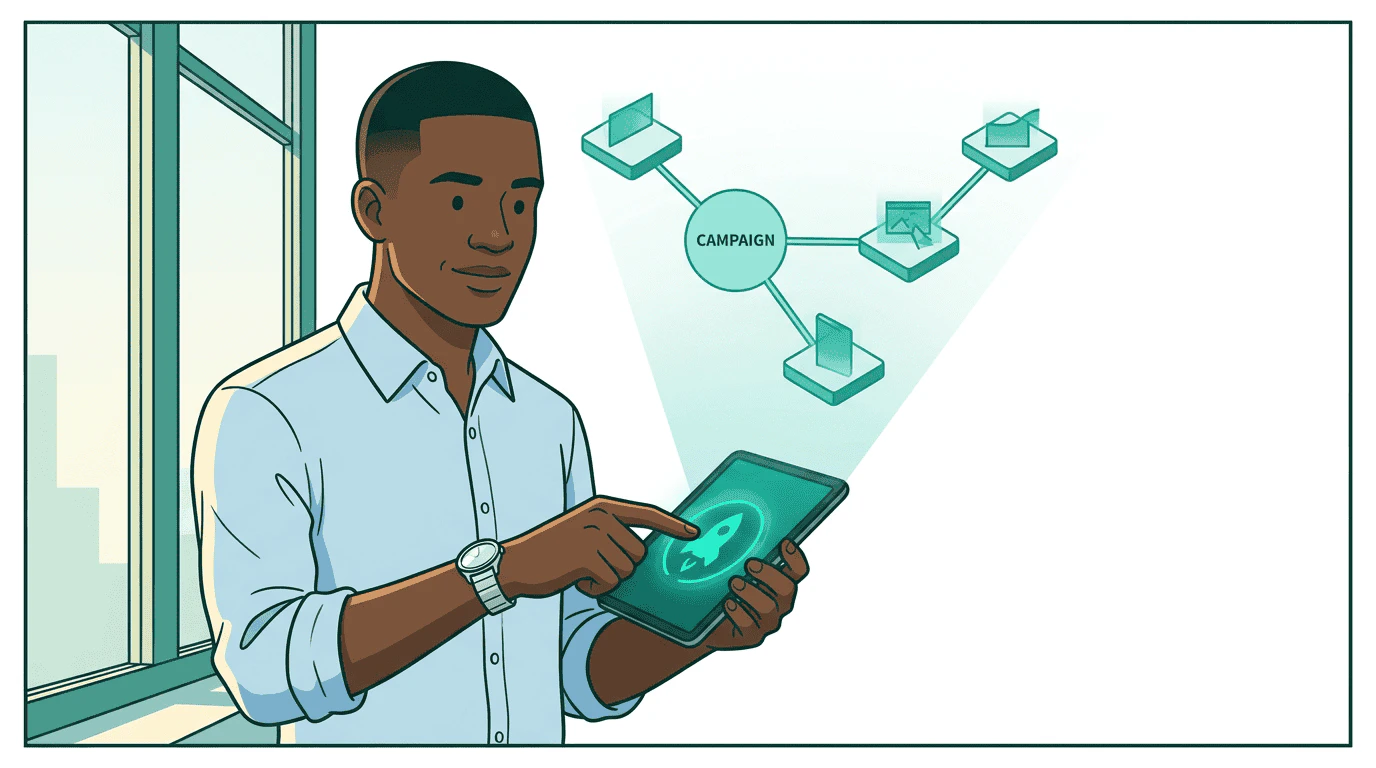 Sam creates the media buy. One call per seller, same structure everywhere:
```javascript theme={null}
const buy = await seller.createMediaBuy({
buyer_ref: "acme-outdoor-q2-ctv",
account: { brand: { domain: "acmeoutdoor.com" }, operator: "pinnacle-agency.com" },
brand: { domain: "acmeoutdoor.com" },
start_time: "2026-04-01T00:00:00Z",
end_time: "2026-06-30T23:59:59Z",
packages: [{
buyer_ref: "pkg_ctv_sports_preroll",
product_id: "streamhaus_sports_preroll_q2",
budget: 25000,
pricing_option_id: "cpm_standard",
creative_assignments: [{ creative_id: "video_30s_trail_pro" }]
}]
});
```
The seller validates the creatives and either approves the buy or sends it through review. Sam doesn't log into any dashboard — the protocol handles status updates.
## Step 5: Governance checks
Sam creates the media buy. One call per seller, same structure everywhere:
```javascript theme={null}
const buy = await seller.createMediaBuy({
buyer_ref: "acme-outdoor-q2-ctv",
account: { brand: { domain: "acmeoutdoor.com" }, operator: "pinnacle-agency.com" },
brand: { domain: "acmeoutdoor.com" },
start_time: "2026-04-01T00:00:00Z",
end_time: "2026-06-30T23:59:59Z",
packages: [{
buyer_ref: "pkg_ctv_sports_preroll",
product_id: "streamhaus_sports_preroll_q2",
budget: 25000,
pricing_option_id: "cpm_standard",
creative_assignments: [{ creative_id: "video_30s_trail_pro" }]
}]
});
```
The seller validates the creatives and either approves the buy or sends it through review. Sam doesn't log into any dashboard — the protocol handles status updates.
## Step 5: Governance checks
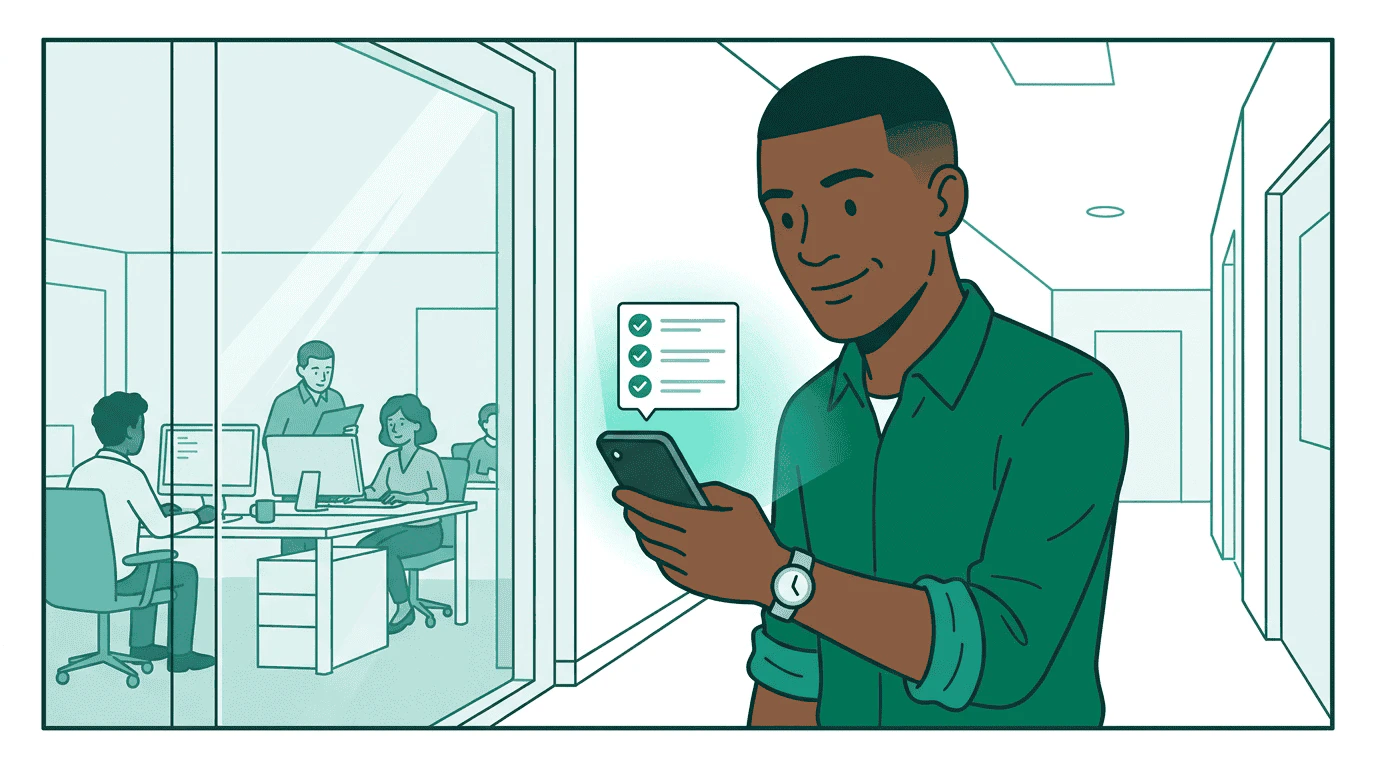 Before any money moves, Sam's governance agent validates the buy:
* **Budget**: \$25K is within Sam's authorized spending limit
* **Brand safety**: StreamHaus is on Acme Outdoor's approved publisher list
* **Compliance**: Targeting parameters meet regulatory requirements for US and Canada
* **Creative**: All creatives carry required provenance metadata
If the buy exceeds Sam's authority — say, if the total across all sellers hit \$75K — the governance agent escalates to his manager. The campaign pauses at `pending_approval` until a human signs off.
```javascript theme={null}
const check = await governance.checkGovernance({
plan_id: "acme-q2-trail-pro",
buyer_campaign_ref: "acme-q2-ctv",
binding: "proposed",
caller: "https://orchestrator.pinnacle-agency.example",
tool: "create_media_buy",
phase: "purchase",
payload: buy,
governance_context: {
total_budget: { amount: 50000, currency: "USD" },
seller_url: "https://streamhaus.example"
}
});
if (check.status === "denied" || check.status === "escalated") {
// Escalate to human — don't proceed
}
```
## Step 6: Monitor delivery
Before any money moves, Sam's governance agent validates the buy:
* **Budget**: \$25K is within Sam's authorized spending limit
* **Brand safety**: StreamHaus is on Acme Outdoor's approved publisher list
* **Compliance**: Targeting parameters meet regulatory requirements for US and Canada
* **Creative**: All creatives carry required provenance metadata
If the buy exceeds Sam's authority — say, if the total across all sellers hit \$75K — the governance agent escalates to his manager. The campaign pauses at `pending_approval` until a human signs off.
```javascript theme={null}
const check = await governance.checkGovernance({
plan_id: "acme-q2-trail-pro",
buyer_campaign_ref: "acme-q2-ctv",
binding: "proposed",
caller: "https://orchestrator.pinnacle-agency.example",
tool: "create_media_buy",
phase: "purchase",
payload: buy,
governance_context: {
total_budget: { amount: 50000, currency: "USD" },
seller_url: "https://streamhaus.example"
}
});
if (check.status === "denied" || check.status === "escalated") {
// Escalate to human — don't proceed
}
```
## Step 6: Monitor delivery
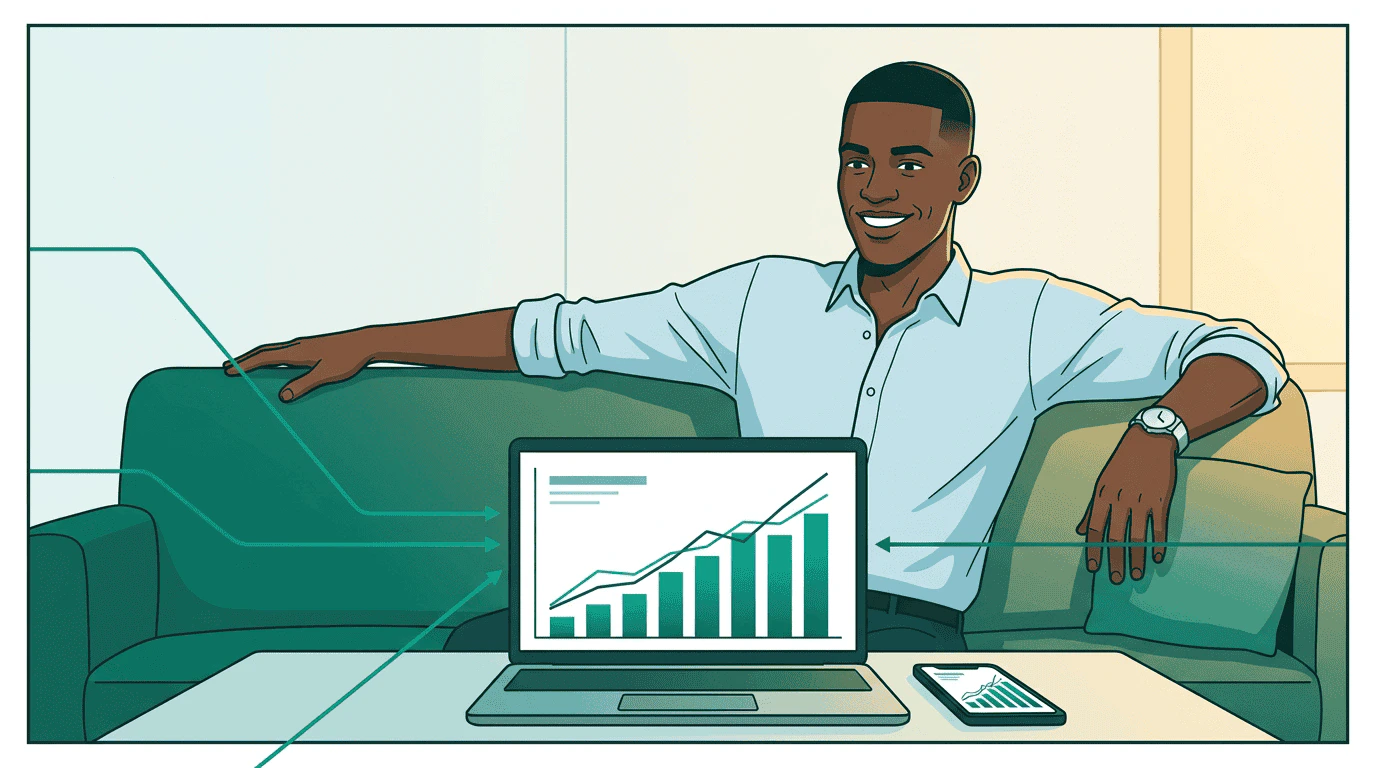 The campaign is running. Sam monitors through a single view — his platform calls `get_media_buy_delivery` on each seller and merges the results:
```javascript theme={null}
const delivery = await seller.getMediaBuyDelivery({
account: { brand: { domain: "acmeoutdoor.com" }, operator: "pinnacle-agency.com" },
media_buy_ids: [buy.media_buy_id],
include_package_daily_breakdown: true
});
```
Every seller reports in the same format: impressions, clicks, spend, completion rates. Sam sees one dashboard instead of four. When StreamHaus underdelivers on the CTV package, he reallocates budget to OutdoorNet — one `update_media_buy` call instead of logging into two platforms.
## The full picture
The campaign is running. Sam monitors through a single view — his platform calls `get_media_buy_delivery` on each seller and merges the results:
```javascript theme={null}
const delivery = await seller.getMediaBuyDelivery({
account: { brand: { domain: "acmeoutdoor.com" }, operator: "pinnacle-agency.com" },
media_buy_ids: [buy.media_buy_id],
include_package_daily_breakdown: true
});
```
Every seller reports in the same format: impressions, clicks, spend, completion rates. Sam sees one dashboard instead of four. When StreamHaus underdelivers on the CTV package, he reallocates budget to OutdoorNet — one `update_media_buy` call instead of logging into two platforms.
## The full picture
 Sam went from four dashboards to one protocol. The same tasks that bought CTV inventory also bought display and audio — no platform-specific code, no manual data translation, no spreadsheet reconciliation.
| Before AdCP | With AdCP |
| -------------------------------- | ------------------------------------- |
| 4 dashboards, 4 logins | 1 protocol, 1 view |
| Manual CSV comparison | Standardized product proposals |
| Platform-specific creative specs | `list_creative_formats` on any seller |
| 4 campaign setup workflows | `create_media_buy` everywhere |
| Manual reporting reconciliation | `get_media_buy_delivery` aggregated |
## Go deeper
* **Product discovery**: [How `get_products` works](/dist/docs/3.0.0-rc.2/media-buy/product-discovery/media-products) — briefs, wholesale mode, proposals, and refinement
* **Campaign lifecycle**: [Managing media buys](/dist/docs/3.0.0-rc.2/media-buy/media-buys/index) — status transitions, updates, and approvals
* **Optimization**: [Delivery and reporting](/dist/docs/3.0.0-rc.2/media-buy/media-buys/optimization-reporting) — metrics, dimensional breakdowns, and feedback loops
* **Governance**: [Campaign governance](/dist/docs/3.0.0-rc.2/governance/overview) — how the three-party trust model protects Sam's spend
* **Creative**: [Creative walkthrough](/dist/docs/3.0.0-rc.2/creative/index) — how Maya builds the creatives Sam uses
* **Get certified**: The [Buyer track](/dist/docs/3.0.0-rc.2/learning/tracks/buyer) teaches the full media buy workflow through interactive modules
Sam went from four dashboards to one protocol. The same tasks that bought CTV inventory also bought display and audio — no platform-specific code, no manual data translation, no spreadsheet reconciliation.
| Before AdCP | With AdCP |
| -------------------------------- | ------------------------------------- |
| 4 dashboards, 4 logins | 1 protocol, 1 view |
| Manual CSV comparison | Standardized product proposals |
| Platform-specific creative specs | `list_creative_formats` on any seller |
| 4 campaign setup workflows | `create_media_buy` everywhere |
| Manual reporting reconciliation | `get_media_buy_delivery` aggregated |
## Go deeper
* **Product discovery**: [How `get_products` works](/dist/docs/3.0.0-rc.2/media-buy/product-discovery/media-products) — briefs, wholesale mode, proposals, and refinement
* **Campaign lifecycle**: [Managing media buys](/dist/docs/3.0.0-rc.2/media-buy/media-buys/index) — status transitions, updates, and approvals
* **Optimization**: [Delivery and reporting](/dist/docs/3.0.0-rc.2/media-buy/media-buys/optimization-reporting) — metrics, dimensional breakdowns, and feedback loops
* **Governance**: [Campaign governance](/dist/docs/3.0.0-rc.2/governance/overview) — how the three-party trust model protects Sam's spend
* **Creative**: [Creative walkthrough](/dist/docs/3.0.0-rc.2/creative/index) — how Maya builds the creatives Sam uses
* **Get certified**: The [Buyer track](/dist/docs/3.0.0-rc.2/learning/tracks/buyer) teaches the full media buy workflow through interactive modules