

Step 1: Write the brief
Sam starts with what he knows: the campaign objectives.
get_products. Sam doesn’t need to learn each publisher’s targeting taxonomy or inventory categories — he describes what he wants, and each sales agent interprets it against their own inventory:
Agency language → protocol terms
Agency language → protocol terms
Step 2: Compare proposals
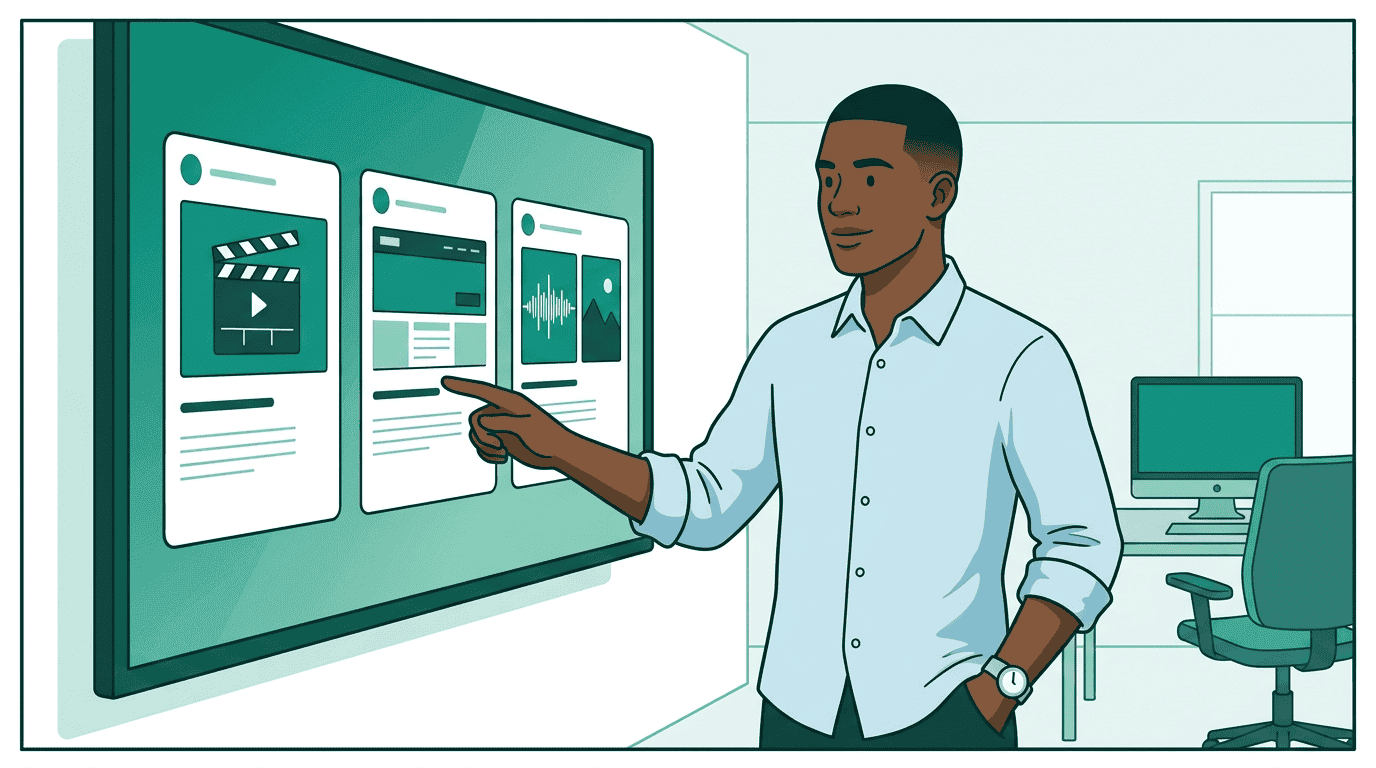
No CSVs. No spreadsheets. No manual data entry. The products are comparable because every seller returns the same schema.
Sam wants to narrow down. He switches to
refine mode, telling each agent exactly how to adjust:
refine array lets Sam layer constraints without starting over. Each refinement narrows the previous result set.
Step 3: Match creatives
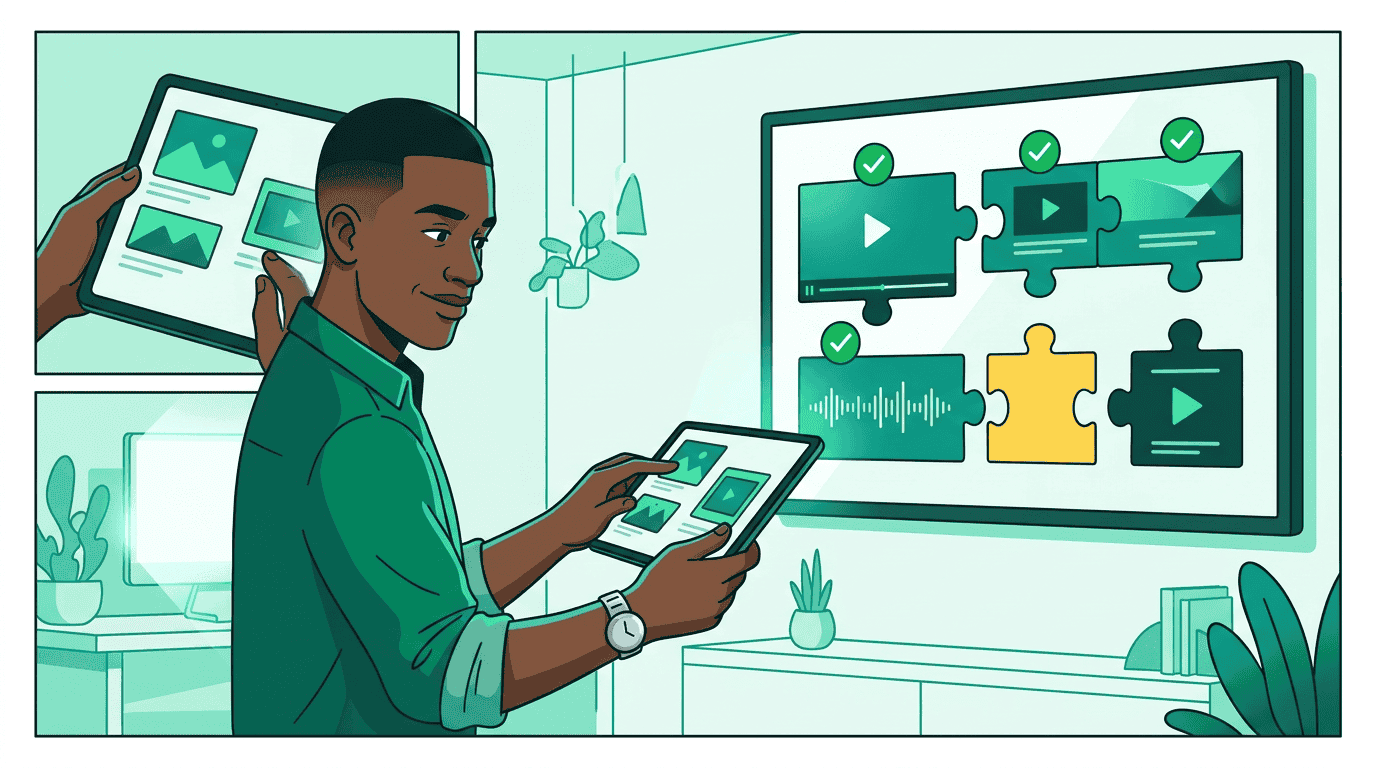
list_creative_formats on each seller to understand exactly what they need:
- StreamHaus needs SSAI-compatible 30s video (MP4, specific codecs)
- OutdoorNet needs display banners (300x250 and 728x90)
- PodTrail needs 30s audio plus a 300x250 companion banner
Step 4: Launch the campaign
Step 5: Governance checks
- Budget: $25K is within Sam’s authorized spending limit
- Brand safety: StreamHaus is on Acme Outdoor’s approved publisher list
- Compliance: Targeting parameters meet regulatory requirements for US and Canada
- Creative: All creatives carry required provenance metadata
create_media_buy task sits in submitted (or input-required) at the task layer until a human signs off; only once approved does the task complete and the media buy get its media_buy_id.
Campaign governance requires the orchestrator to register the campaign plan via sync_plans before any governance checks. The plan defines authorized parameters — budget limits, channels, flight dates, and compliance policies — against which all subsequent actions are validated. The full governance sequence is sync_plans → check_governance (proposed) → create_media_buy → check_governance (committed by seller). See Campaign Governance for the complete specification.
What governance looks like in the protocol
What governance looks like in the protocol
Step 6: Match at serve time
The campaign is approved and live. When a user loads a StreamHaus page, opens OutdoorNet’s app, or asks an AI assistant a question, the publisher’s TMP Router evaluates which of Sam’s packages should activate. Two operations run separately — Context Match asks “does this content fit the package’s targeting?” while Identity Match asks “is this user eligible?” The publisher joins both responses locally. Sam’s buyer agent never sees user identity and content context together — the structural separation is built into the protocol. The same flow works on every surface. Sam didn’t write surface-specific activation code for CTV versus web versus AI. TMP handles all of them.How TMP activates a package
How TMP activates a package
When a user visits a StreamHaus article about hiking gear:
- StreamHaus sends a Context Match request with the article’s content signals and Sam’s available packages
- Sam’s buyer agent responds: “Activate pkg-outdoor-display — this hiking content matches the targeting”
- StreamHaus sends a separate Identity Match request with a user token and ALL of Sam’s active packages
- Sam’s buyer agent responds: “This user is eligible for pkg-outdoor-display (intent_score: 0.82)”
- StreamHaus joins the results locally and activates the line item
Step 7: Monitor delivery
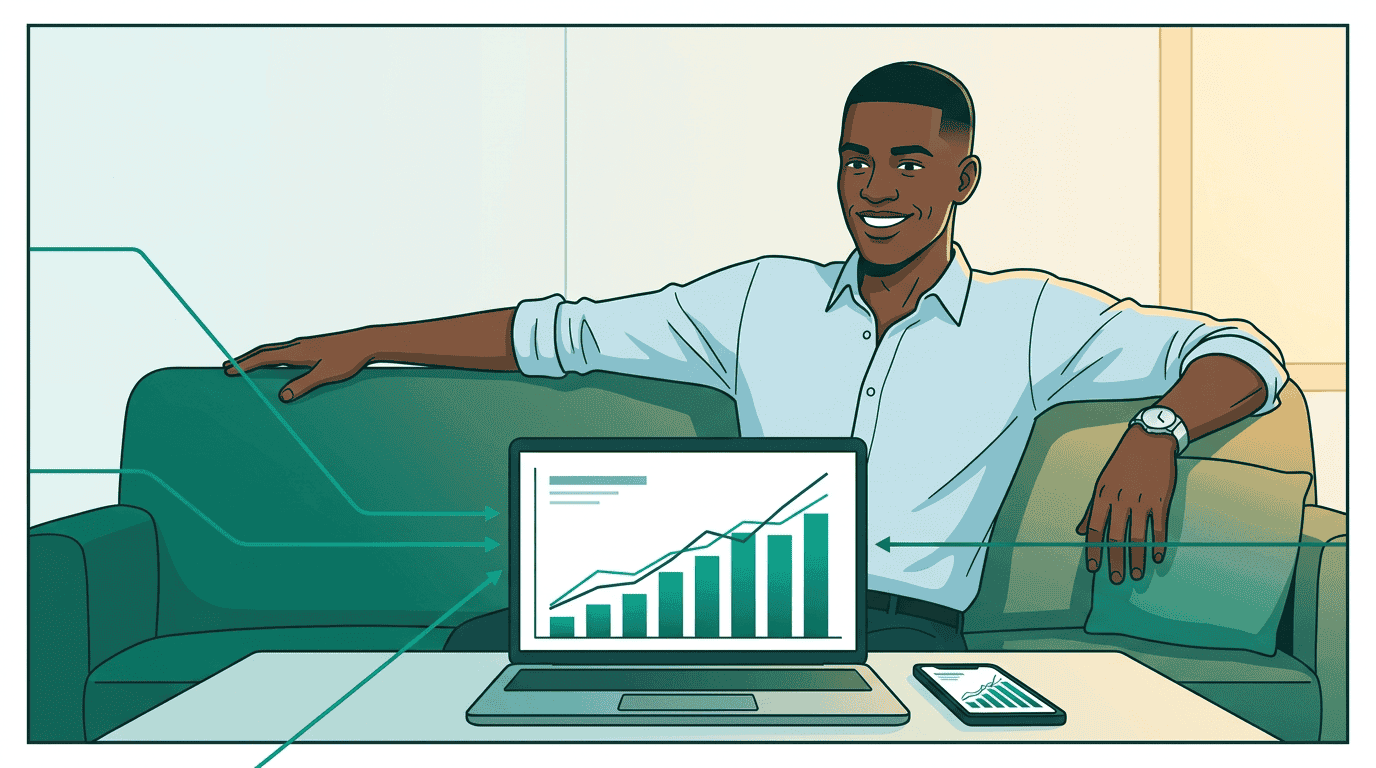
get_media_buy_delivery on each seller and merges the results:
update_media_buy call instead of logging into two platforms.
The full picture
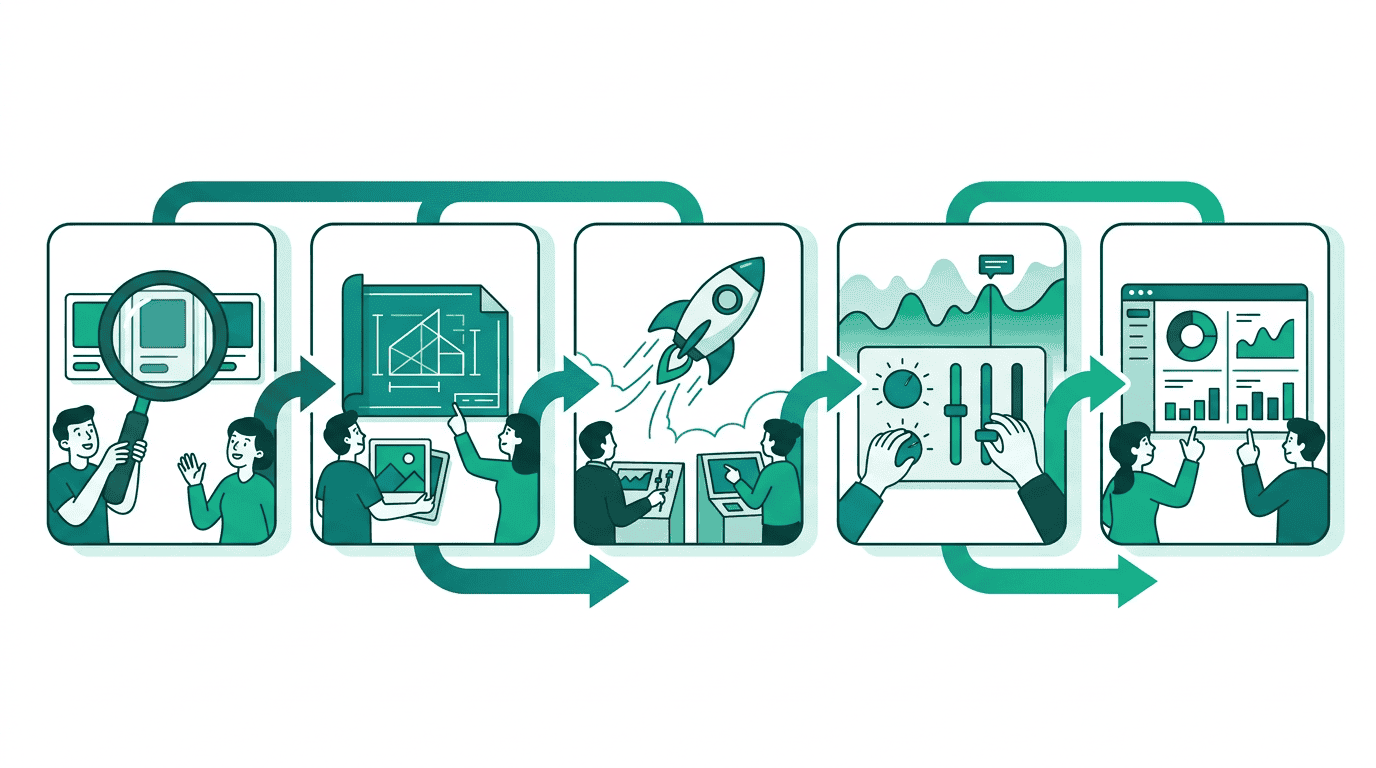
Go deeper
- Product discovery: How
get_productsworks — briefs, wholesale mode, proposals, and refinement - Campaign lifecycle: Managing media buys — status transitions, updates, and approvals
- Optimization: Delivery and reporting — metrics, dimensional breakdowns, and feedback loops
- Governance: Campaign governance — how the three-party trust model protects Sam’s spend
- Creative: Creative walkthrough — how Maya builds the creatives Sam uses
- Real-time matching: Trusted Match Protocol — how packages activate at serve time via Context Match and Identity Match
- Get certified: The Buyer track teaches the full media buy workflow through interactive modules