
 Sam Adeyemi is a senior media buyer at Pinnacle Agency. His client just
greenlit a USD 50,000 Q2 campaign for Acme Outdoor—premium video and display
across sports and outdoor lifestyle publishers. Three sellers to evaluate.
Creatives to match. A governance review before anything goes live.
Last time he ran a campaign this size, it took two weeks, four dashboards, and
a spreadsheet to compare plans that were never in the same format. This
walkthrough follows the same campaign through the AdCP 3.2 proposal lifecycle.
Sam Adeyemi is a senior media buyer at Pinnacle Agency. His client just
greenlit a USD 50,000 Q2 campaign for Acme Outdoor—premium video and display
across sports and outdoor lifestyle publishers. Three sellers to evaluate.
Creatives to match. A governance review before anything goes live.
Last time he ran a campaign this size, it took two weeks, four dashboards, and
a spreadsheet to compare plans that were never in the same format. This
walkthrough follows the same campaign through the AdCP 3.2 proposal lifecycle.
First choose the buying path
Sam’s agent readsget_adcp_capabilities.media_buy.lifecycle_tools before
planning. AdCP 3.2 exposes two distinct commercial paths:
Wholesale mirrors use the published-offer path:
list_products bootstraps and
repairs the feed, while account-level product webhooks keep it current. They are
not proposal conversations. See Product discovery and planning
for both paths.
StreamHaus advertises the proposal lifecycle, so Sam asks its sales agent—built
by Priya Nair’s ad products team—to plan the campaign.
Step 1: Request proposals
 Sam keeps strategy and goals in the brief. Exact commercial filters and
delivery constraints use structured criteria:
Sam keeps strategy and goals in the brief. Exact commercial filters and
delivery constraints use structured criteria:
Agency language → AdCP 3.2 terms
Agency language → AdCP 3.2 terms
Step 2: Compare and refine
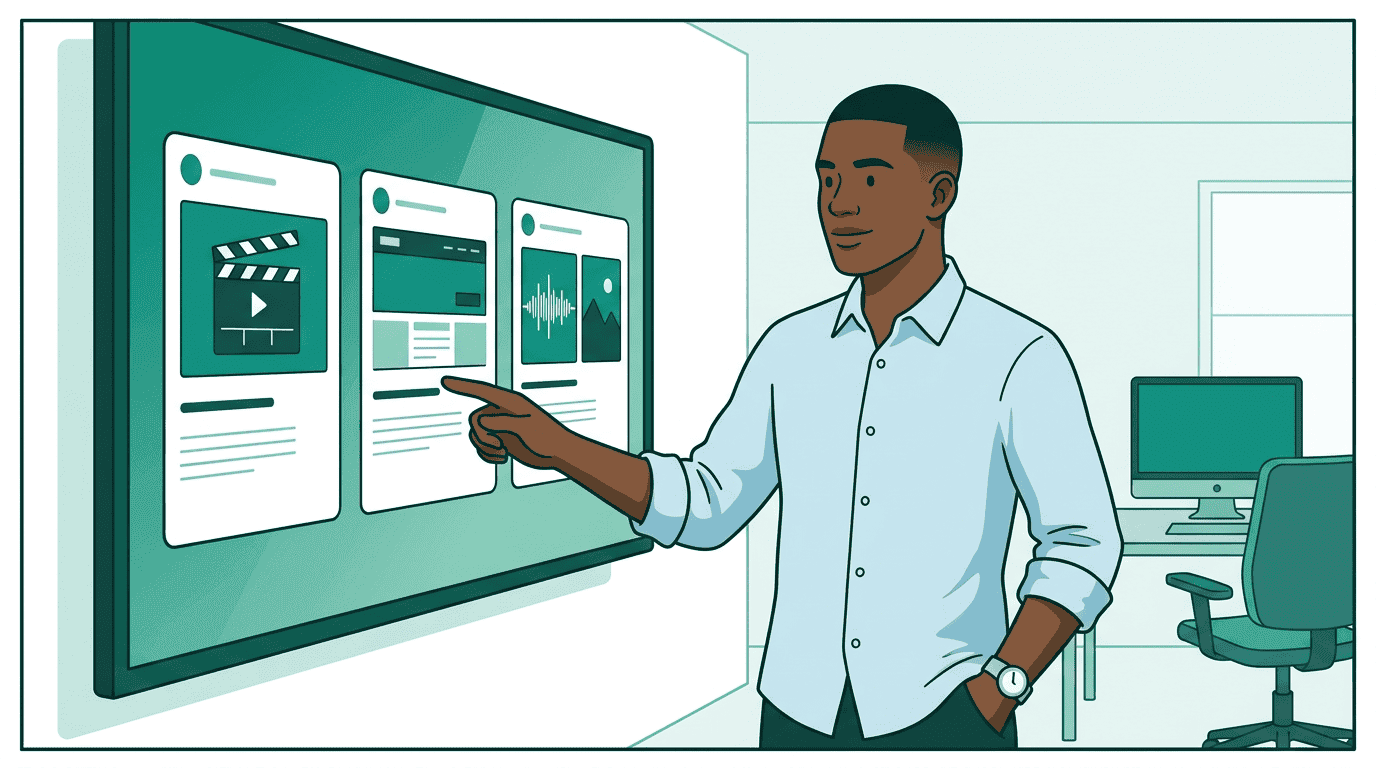 Draft proposals return priced purchases, flight dates, forecasts, targeting
resolution, and canonical creative format options. Sam can compare them without
normalizing seller-specific spreadsheets.
Draft proposals return priced purchases, flight dates, forecasts, targeting
resolution, and canonical creative format options. Sam can compare them without
normalizing seller-specific spreadsheets.
Sam wants guaranteed delivery and a lower CPM ceiling. He creates a successor
draft with typed constraints:
ask. Each transition creates a new proposal_id; the source
snapshot never changes. Sam branches on each result’s outcome and verifies
any partial result before continuing.
Step 3: Check creative requirements
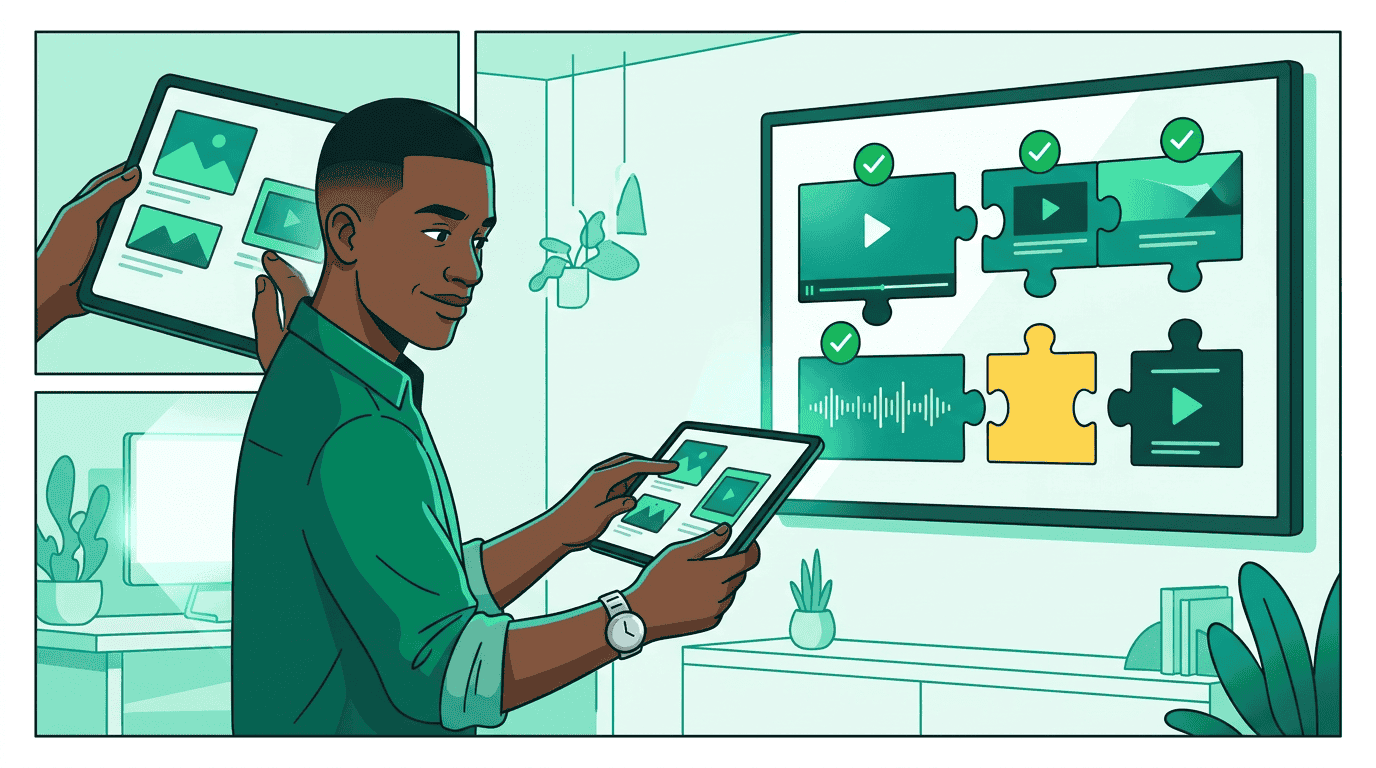 Every proposed product declares canonical
 format_options[]. Sam’s platform
can therefore validate or produce assets before accepting commercial terms:
- StreamHaus needs SSAI-compatible 30-second video.
- OutdoorNet needs 300x250 and 728x90 images.
- PodTrail needs 30-second audio plus a companion image.
buy_products or accept_proposal; they are
supplied through the seller’s advertised creative workflow after commitment.
Step 4: Finalize and accept
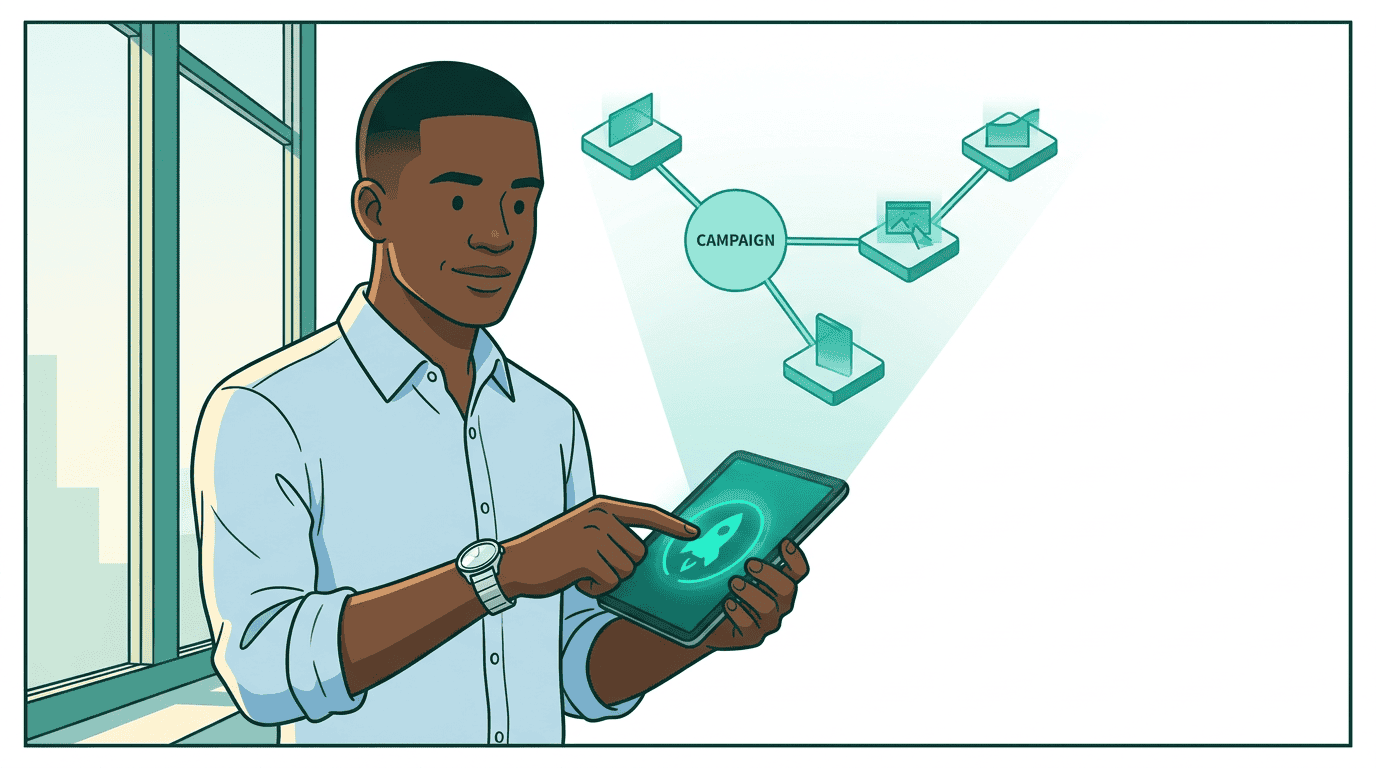 Once the terms are right, Sam finalizes the selected draft. Finalization
creates a committed successor and an inventory hold:
Once the terms are right, Sam finalizes the selected draft. Finalization
creates a committed successor and an inventory hold:
terms_digest and expires_at, then
accepts that exact snapshot:
submitted, working, or input-required, Sam follows the standard task
lifecycle until the completion artifact returns the media_buy_id.
Step 5: Governance and creative supply
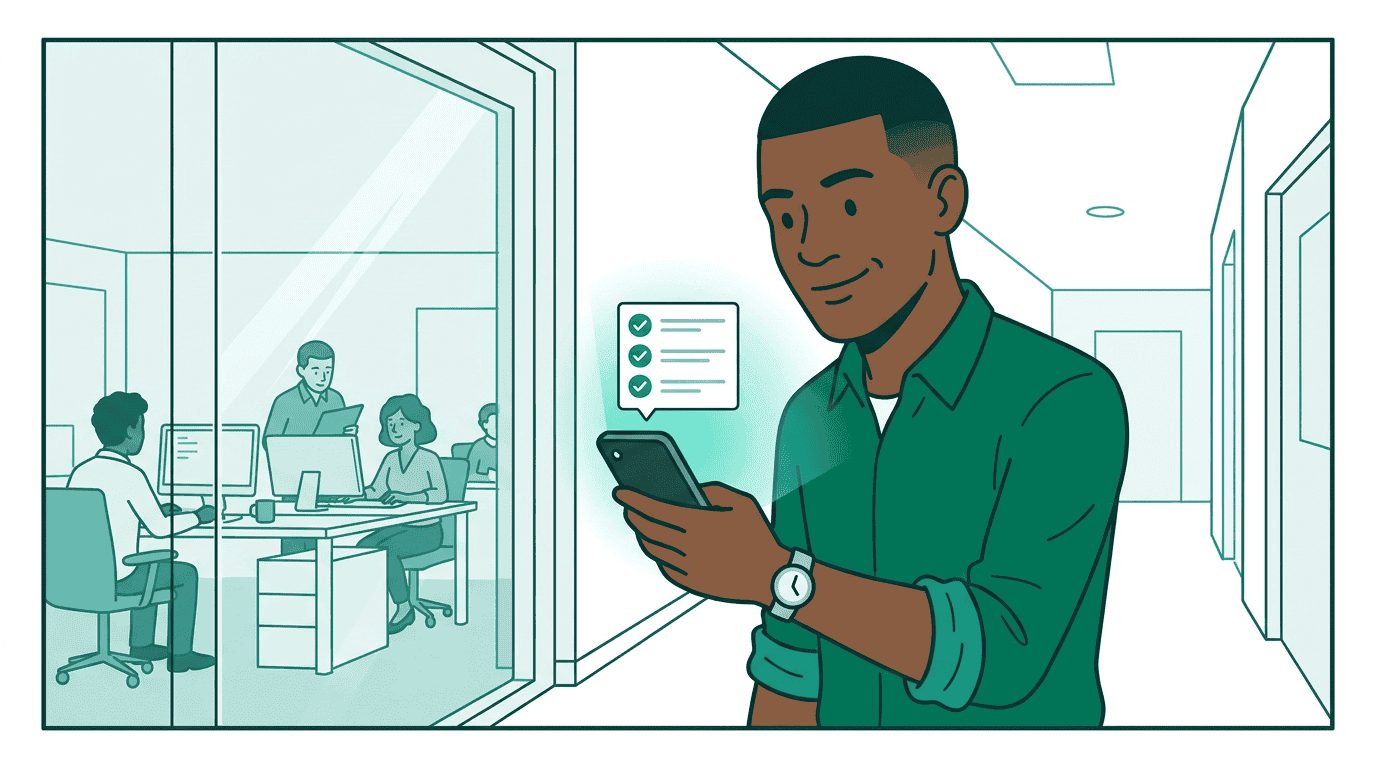 Pinnacle registers the campaign plan with
 sync_plans and checks the proposed
acceptance against Jordan Ochoa’s governance policy. Budget, approved sellers,
targeting rules, and creative provenance are evaluated before money moves.
Seller-side governance can independently validate the committed action against
the same plan context.
After acceptance, Sam supplies the assets through sync_creatives and assigns
them to the returned packages. The buy remains pending_creatives until every
required format has coverage, then moves to pending_start or active.
A library-backed creative sync
A library-backed creative sync
Step 6: Match at serve time
When a user loads a StreamHaus surface, its Trusted Match router can evaluate which packages should activate. Context Match asks whether the content fits the package; Identity Match asks whether the user is eligible. The publisher joins the two responses locally, so Sam’s buyer agent does not receive identity and page context together. See Trusted Match Protocol for the privacy architecture and surface-specific flows.Step 7: Monitor and control delivery
 Sam reads operational state and the current revision from
 get_media_buys, and
uses billing-grade get_media_buy_delivery for reporting. If he needs to pause
a package or adjust a budget inside the accepted commercial envelope, he uses
control_media_buy with the latest revision:
REQUOTE_REQUIRED. Sam starts an amendment from accepted_proposal_id, then
repeats revise → finalize → accept. Operational state and commercial agreement
remain separate and auditable.
The full picture
Sam still gets one protocol and one operational view across sellers, but 3.2 makes the commercial intent explicit: published offers are purchased directly; seller-planned terms move through immutable proposals; live delivery is changed with revision-checked controls.Continue
- Product discovery and planning — choose published offers, wholesale mirroring, or proposals
- Proposal negotiation — implement immutable revisions and holds
- Media buy lifecycle — state, creatives, controls, and delivery
- 3.1 → 3.2 migration — isolate the compatibility facade behind capability-driven adaptation